



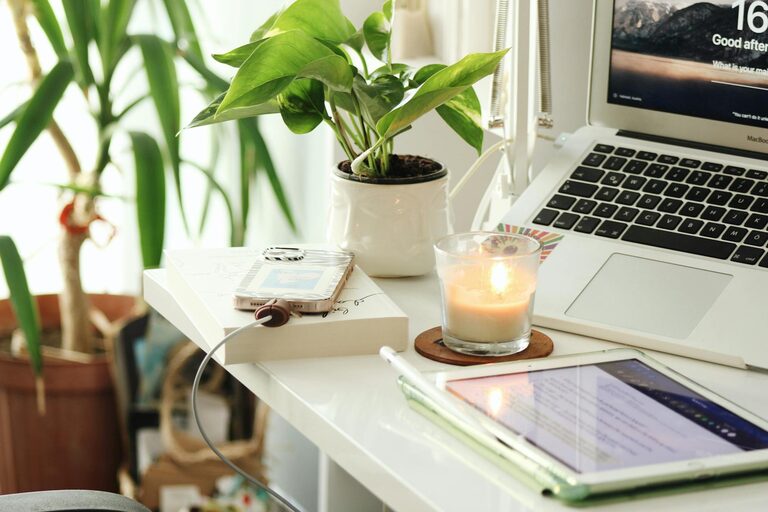
Creating a cozy and productive home office space can make all the difference in your work-from-home experience. Whether you’re freelancing, remote working, or managing household responsibilities alongside your job, having a dedicated area that inspires focus and comfort is essential. In this guide, we’ll walk through practical tips to help you design a home office that suits your needs and boosts your efficiency.
Why a Cozy and Productive Home Office Matters
Working from home offers flexibility but also comes with challenges like distractions and lack of motivation. A well-designed workspace can help:
– Improve concentration and reduce stress
– Separate work time from personal time
– Encourage a healthy posture and reduce fatigue
– Inspire creativity and motivation
With these goals in mind, let’s explore how to create a home office that balances coziness with productivity.
Choose the Right Location
The first step is selecting a space in your home that supports your work habits.
Consider Natural Light
Try to set up your office near a window with plenty of natural light. Daylight helps regulate your body clock, improves mood, and reduces eye strain.
Minimize Noise and Distractions
If possible, pick a quiet corner or room with a door. If external noise is unavoidable, think about investing in noise-cancelling headphones or soundproofing elements like rugs and heavy curtains.
Accessibility
Ensure your office is easy to access but separate enough from high-traffic areas. This helps maintain boundaries between work and home life.
Invest in Comfortable and Functional Furniture
Your furniture choices impact both comfort and productivity.
Desk
Choose a desk with enough surface area for your computer, paperwork, and any tools you frequently use. Adjustable desks or standing desks are also great for alternating posture.
Chair
A supportive ergonomic chair is worth the investment. Look for one with adjustable height, lumbar support, and comfortable padding to avoid back pain.
Storage Solutions
Incorporate shelves, filing cabinets, or storage boxes to keep your workspace clutter-free. Organized spaces help clear your mind and save time looking for supplies.
Optimize Lighting
Good lighting complements natural light and reduces eye strain.
– Use a bright, adjustable desk lamp with warm light to enhance comfort without harsh glare.
– Avoid placing screens facing windows to minimize reflections.
– Consider ambient lighting options like floor lamps or wall-mounted lights for a relaxed atmosphere.
Personalize Your Space
Adding personal touches makes your office inviting and motivating.
– Include artwork, family photos, or inspiring quotes to create a positive environment.
– Bring in plants to add color and improve air quality.
– Use textiles like cozy rugs or cushions for added warmth.
Avoid too much clutter, however, as excessive decoration can distract.
Establish Efficient Workflow Tools
Technology and organization tools support productivity.
Cable Management
Use clips, sleeves, or boxes to keep cables neat and prevent tangling.
Desk Organization
Keep essential items within reach and consider desk organizers for pens, notebooks, and gadgets.
Digital Setup
Arrange your computer and peripherals ergonomically:
– Monitor at eye level
– Keyboard and mouse comfortably spaced
– Use external keyboard or mouse if needed
Time Management Tools
Use calendars, planners, or apps to schedule work hours and breaks.
Foster Healthy Work Habits
Your environment can support well-being and efficiency.
Take Breaks
Use a timer to remind yourself to stand, stretch, or walk every hour.
Set Boundaries
Communicate your work hours with family or housemates to limit interruptions.
Keep Hydrated and Nourished
Keep a water bottle nearby and have healthy snacks to maintain energy.
Maintain Cleanliness and Organization
A tidy workspace supports focus and reduces stress.
– Spend 5 minutes at the end of each day to clear your desk.
– Do regular decluttering to keep only necessary items.
– Schedule weekly cleaning to keep surfaces dust-free.
Adjust and Evolve Your Office Space
Your needs and preferences may change over time. Be open to rearranging or updating your office setup as needed to maintain comfort and productivity.
—
In summary, creating a cozy and productive home office is about balancing comfort with function. Choose the right location, invest in good furniture, optimize lighting, personalize your space, and develop healthy work habits. With these tips, you can build a workspace that supports your best work every day.