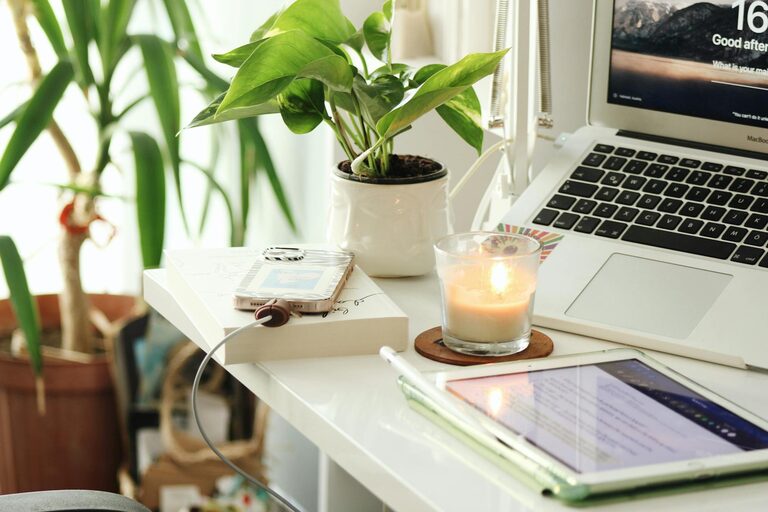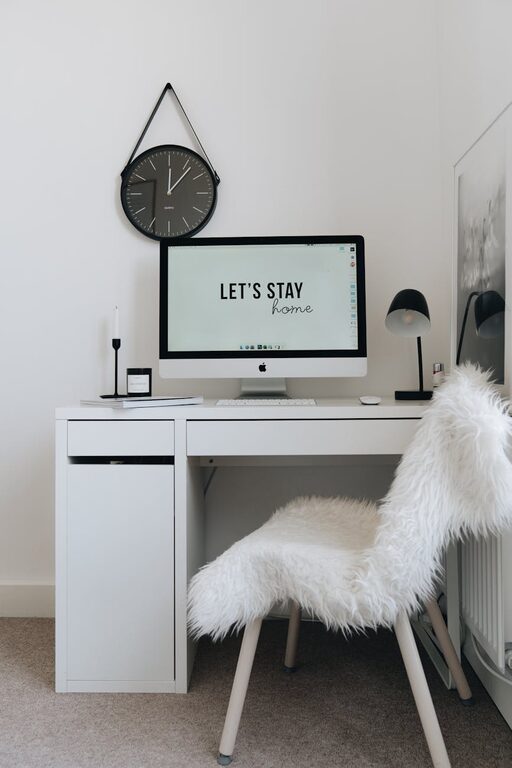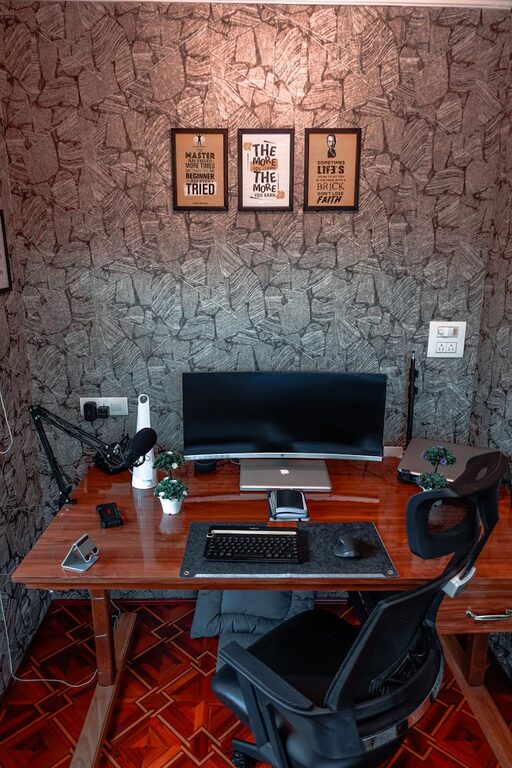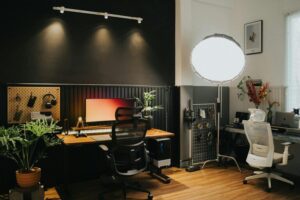




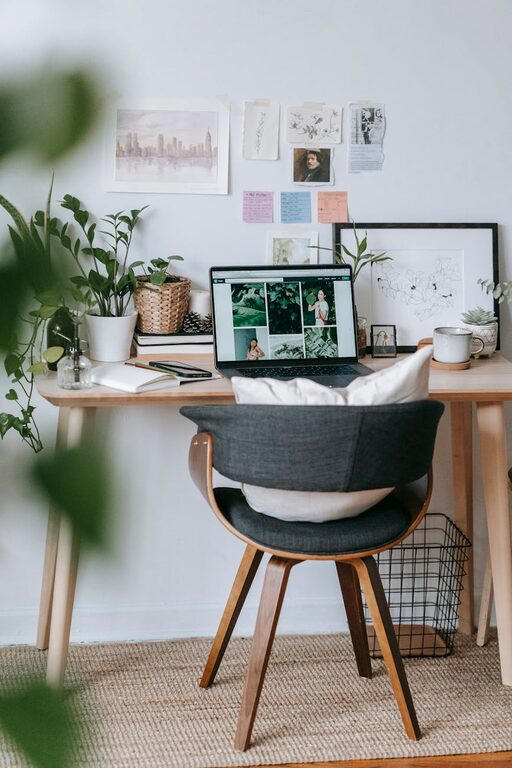
Creating a cozy and productive home office is essential for anyone working remotely or spending significant time on personal projects. The right environment not only enhances focus but also makes working from home a more enjoyable experience. Whether you have a dedicated room or a small corner, these tips will help you design a workspace that’s both comfortable and efficient.
1. Choose the Right Location
The first step in setting up a home office is selecting the best spot available. Ideally, this space should be quiet, well-lit, and separate from distractions like the TV or kitchen.
– Quiet Area: Look for a part of your home where noise levels are minimal.
– Natural Light: Position your desk near a window to take advantage of daylight, which can improve mood and reduce eye strain.
– Space to Move: Ensure there is enough room to stretch, organize your materials, and move comfortably.
2. Invest in Comfortable Furniture
Comfort plays a key role in how productive you’ll be throughout the day. Spending time in an uncomfortable chair or cramped desk can lead to fatigue and decreased focus.
– Ergonomic Chair: Choose a chair that supports your spine and encourages good posture.
– Desk Height: Your desk should allow you to keep your arms at a 90-degree angle when typing.
– Adjustable Options: Consider adjustable desks or chairs to find the perfect fit.
3. Optimize Lighting
Proper lighting reduces eye strain and creates a welcoming atmosphere. Combining natural and artificial light sources is often the best approach.
– Natural Light: Open blinds or curtains to let in as much daylight as possible.
– Task Lighting: Use a desk lamp with adjustable brightness for focused tasks.
– Avoid Glare: Position screens to minimize glare from windows or overhead lights.
4. Personalize Your Space
A personalized workspace can inspire creativity and make you feel more at home. Incorporate items that reflect your style and motivate you.
– Decor: Add plants, artwork, or photos you love.
– Colors: Choose calming colors like blues or greens, or energizing shades like yellow or orange, depending on your preference.
– Organizers: Use stylish storage bins, trays, or shelves to keep things tidy and visually pleasing.
5. Establish Organization Systems
Keeping your workspace organized helps reduce stress and saves time by making it easier to find what you need.
– Declutter Regularly: Remove unnecessary papers, cables, and items.
– Use Storage Solutions: Desktop organizers, filing cabinets, or wall-mounted shelves can keep essentials within reach.
– Cable Management: Use clips or sleeves to keep cords neat and out of the way.
6. Minimize Distractions
Creating boundaries between work and relaxation is crucial when working from home.
– Set Work Hours: Define clear start and finish times to maintain a routine.
– Limit Noise: Use noise-cancelling headphones or white noise machines if needed.
– Turn Off Notifications: Silence non-essential phone and computer alerts during work periods.
7. Incorporate Technology Thoughtfully
Technology is central to most home offices but ensure it supports rather than hinders productivity.
– Reliable Internet: Invest in a stable internet connection to avoid interruptions.
– Efficient Equipment: Use quality keyboards, mice, and monitors to reduce strain.
– Backup Systems: Save work regularly and use cloud storage or external drives.
8. Add Comfort Elements
Adding small comforts can make your workspace inviting and help you stay relaxed throughout the day.
– Soft Textiles: A cozy rug, cushions, or a blanket can add warmth.
– Aromatherapy: Use subtle scents like lavender or citrus to create a calming atmosphere.
– Hydration Station: Keep water or your favorite beverages nearby to stay refreshed.
9. Keep a Healthy Routine in Mind
Even the best workspace can’t replace good habits. Incorporate breaks and physical movement into your day.
– Scheduled Breaks: Step away from your desk every hour to stretch or take a short walk.
– Exercise: Incorporate quick exercises to improve circulation.
– Eye Care: Follow the 20-20-20 rule—every 20 minutes, look at something 20 feet away for 20 seconds.
Conclusion
Crafting a cozy and productive home office is all about balance—combining comfort, organization, and functionality. By focusing on your space’s layout, lighting, furniture, and personal touches, you can create an environment that supports your best work. Take your time in designing the space and adjust it as you discover what helps you feel most comfortable and focused.
Your home office should be a place that not only gets the job done but also feels welcoming at the same time. With these tips, you’ll be well on your way to creating a workspace you love spending time in.